
macOS helper
Runs the pairing server, advertises Smart Connect over Bonjour, edits keypad setups, and injects keyboard and pointer events with Accessibility permission.
coming soon / macOS + iOS
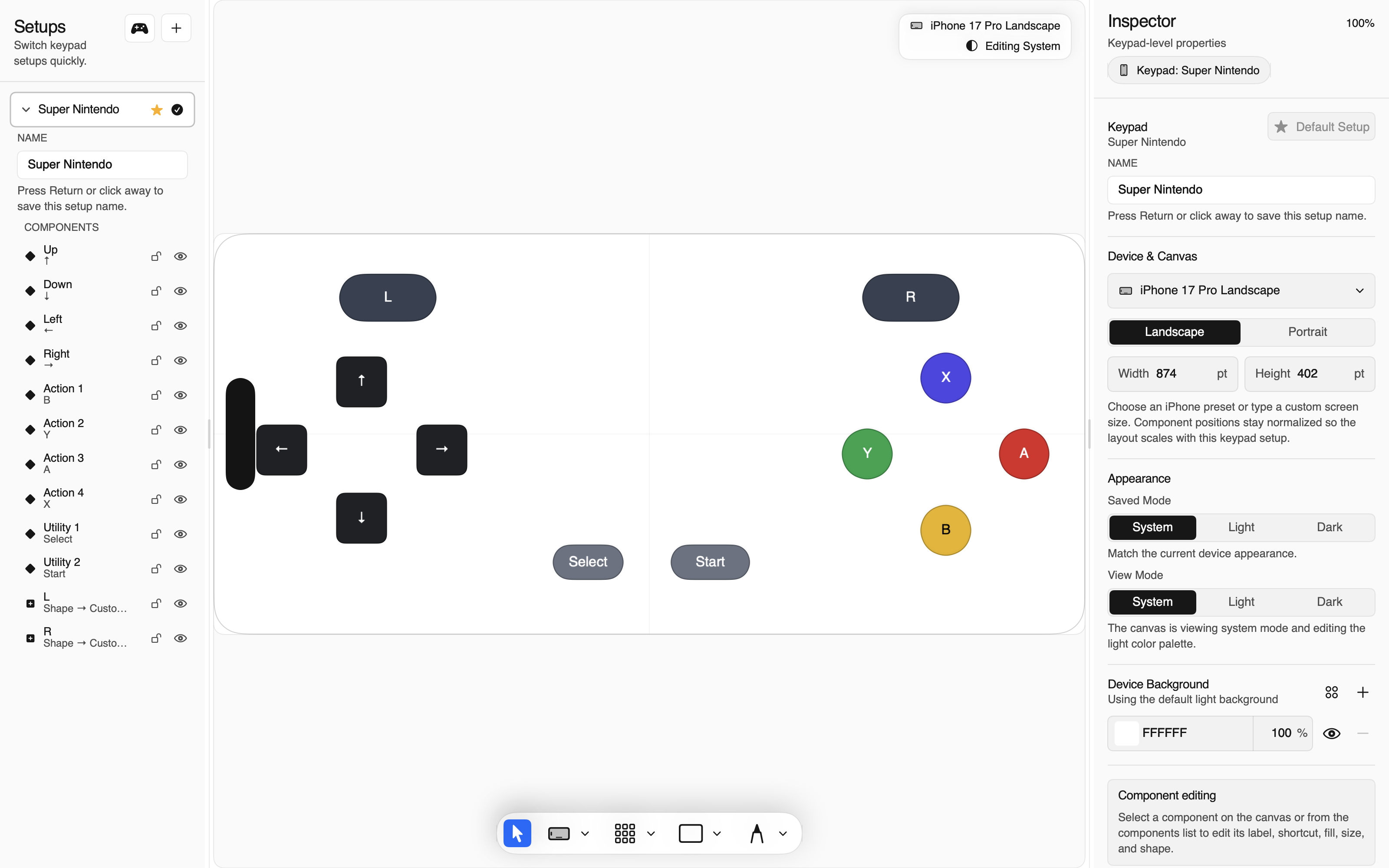
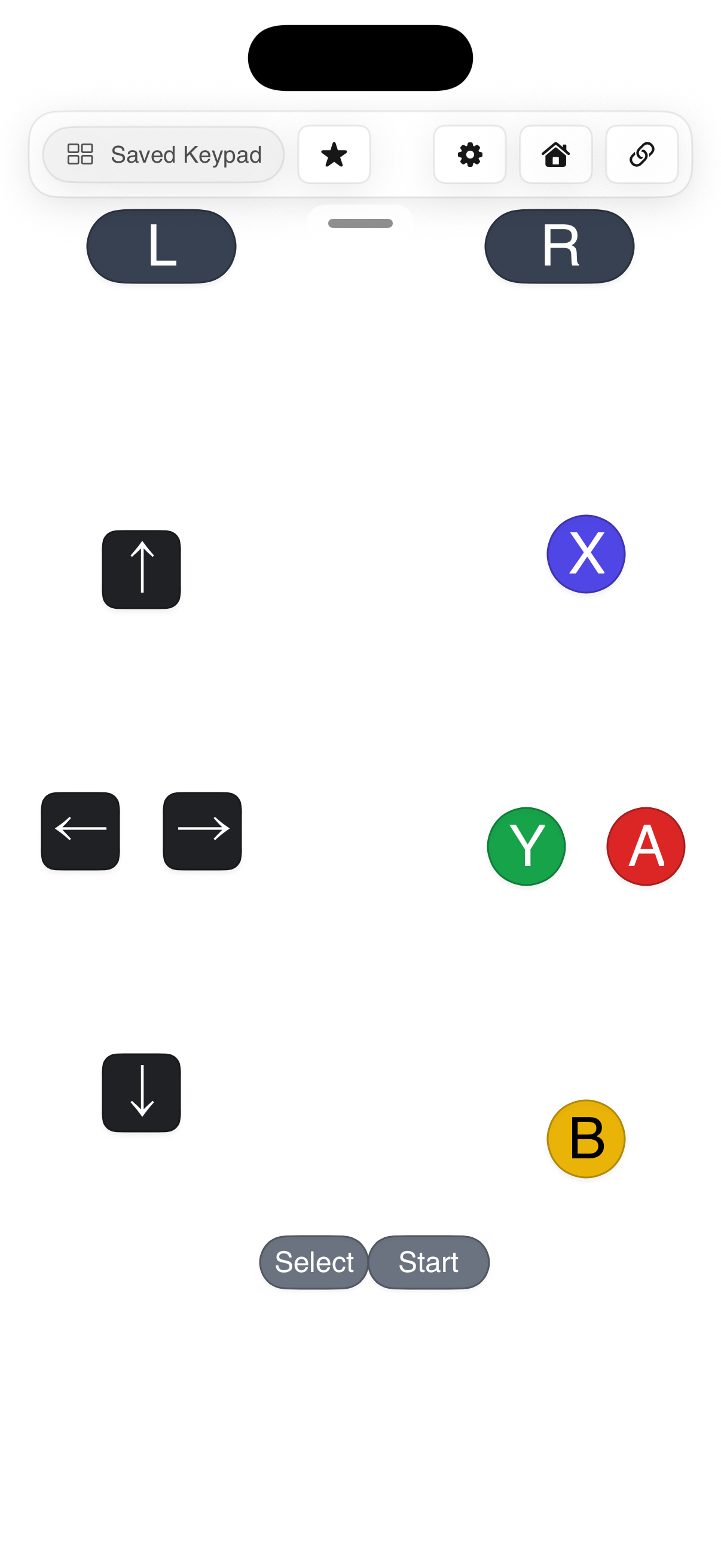
Thumble pairs your iPhone with a macOS helper so every tap can become a shortcut, controller press, pointer gesture, or custom workflow control.
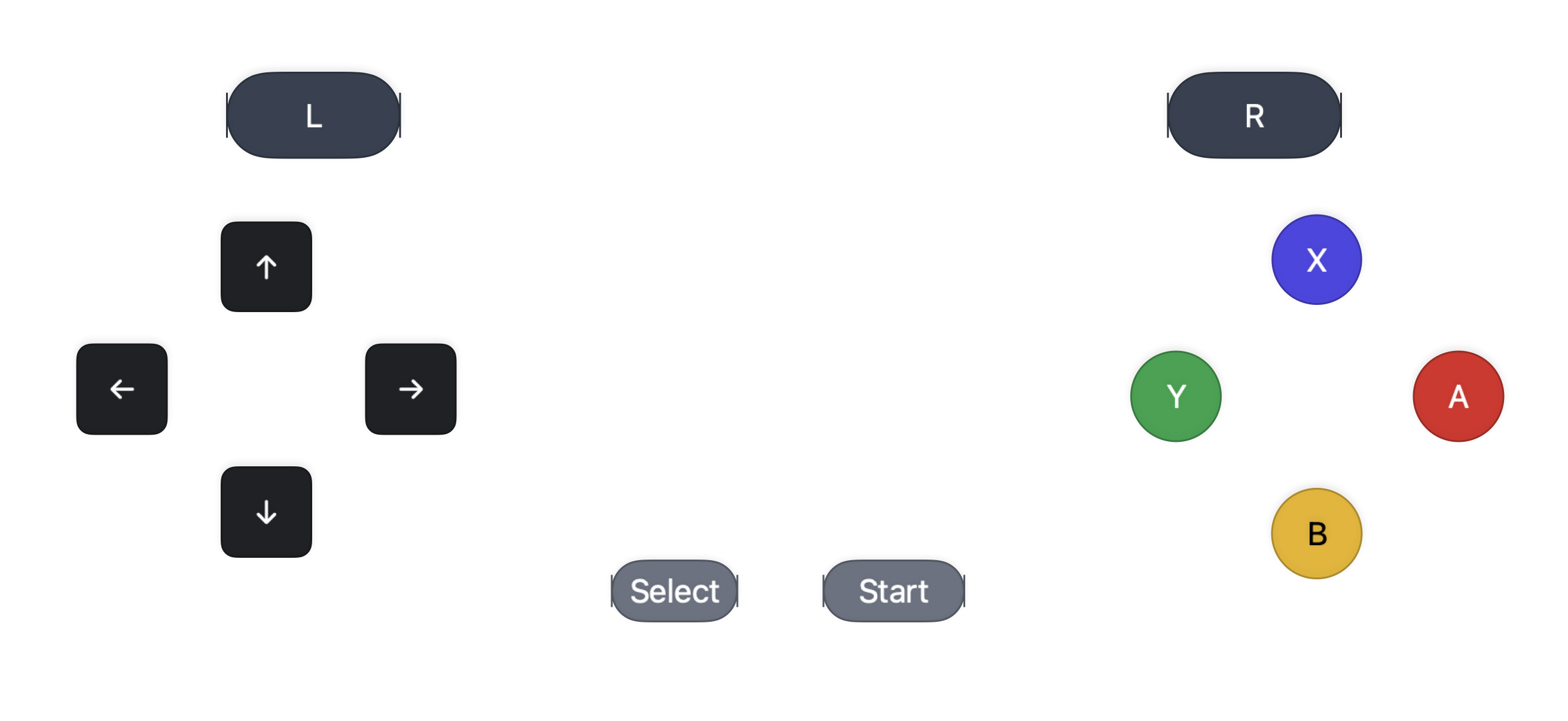
custom layouts / keyboard / pointer / controller
screens
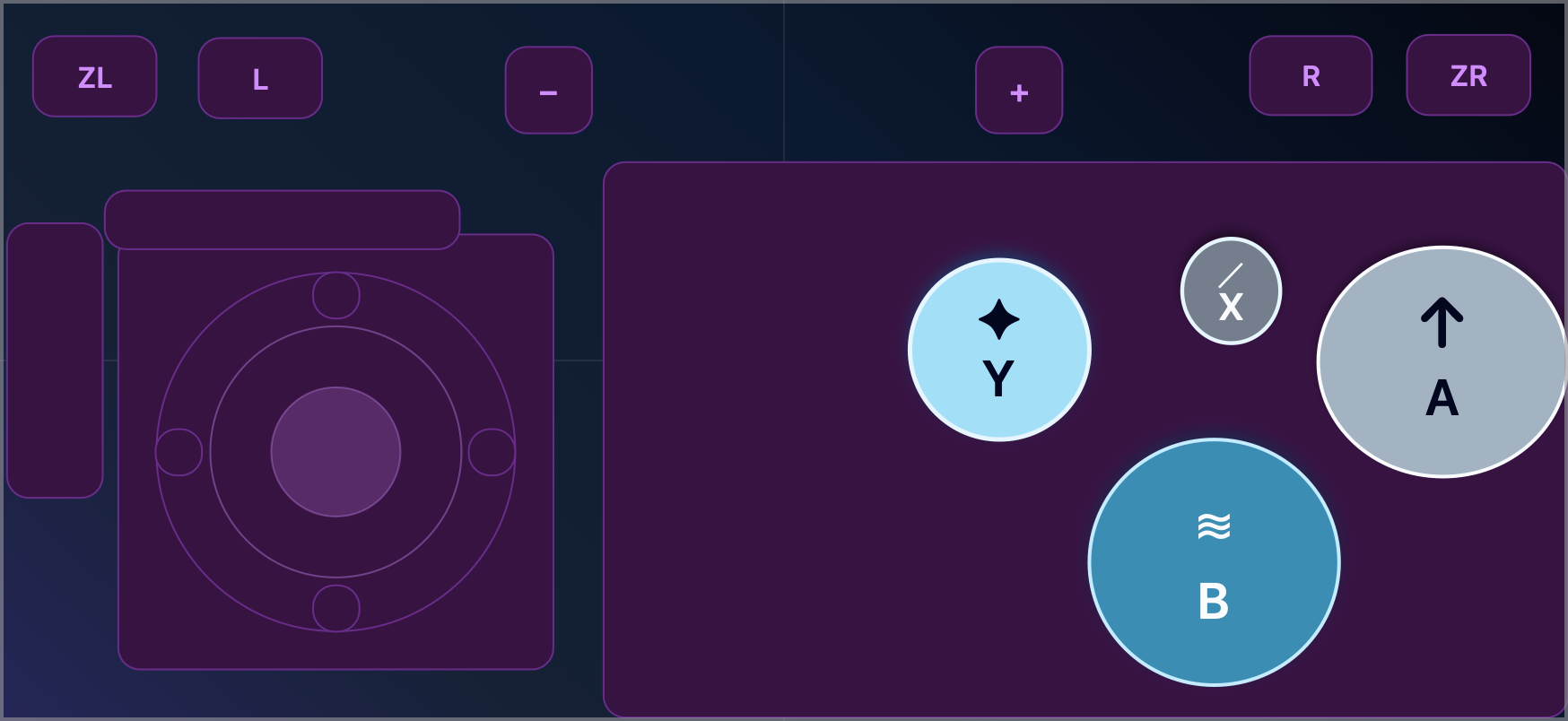 featured / cavern glow
new / skin directory
Browse reviewed .pocketpad themes, preview every package, and install from Safari or your Mac. Skins can style controls and backgrounds, but they cannot import shortcuts, launch targets, or executable actions.
details
Runs the pairing server, advertises Smart Connect over Bonjour, edits keypad setups, and injects keyboard and pointer events with Accessibility permission.
Shows your synced keypad, supports multitouch controls, haptics, profile switching, offline saved layouts, and quick layout edits for freeform designs.
Authenticated UDP carries compact input frames for responsiveness while WebSocket mirroring keeps button state recoverable if packets drop.
Generate profiles, install templates, import/export JSON, set bindings, check status, restart the helper, and test taps from the terminal.
documentation
Permissions, local network prompts, QR scanning, Smart Connect, and manual fallback.
build Keypad editorProfiles, device frames, portrait/landscape variants, grid tools, controls, styling, and haptics.
send Keyboard, pointer, gamepadShortcut recording, trackpad gestures, virtual controller output, and mixed bindings.
script CLI parityEverything you can configure in the Mac editor is also scriptable with thumble.
Browse, preview, and install appearance-only themes without changing any control binding.
made for
download
Thumble Mac is distributed as a Developer ID signed and notarized zip from Cloudflare R2 through this Pages site.
checking latest build…The iPhone controller is shipped through App Store Connect TestFlight. Join the launch list and we’ll send an invite when the current build is approved for testing.
join launch listlaunch list